
 By Melissa Arndt
Date of Creation: 2023-03-30
Last Update: 2025-07-11
Instead of having to create activities from scratch, teachers can, with a few clicks of a button, have 5 activities created by AI to address topics not already prepared in the SmartClass curriculum.
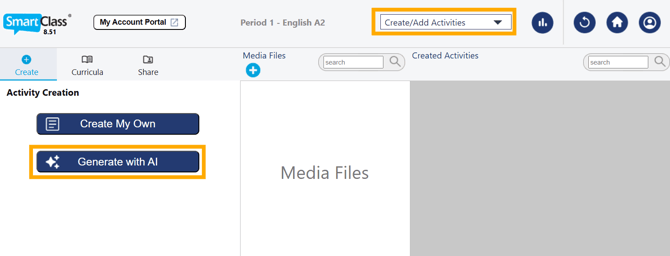
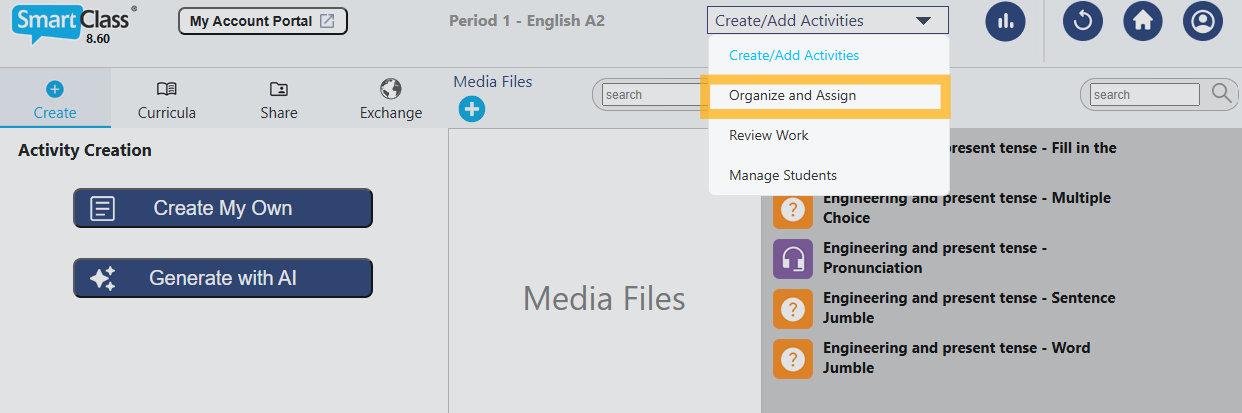
Teachers just need to navigate to the Create/Add Activities section and select Generate with AI.
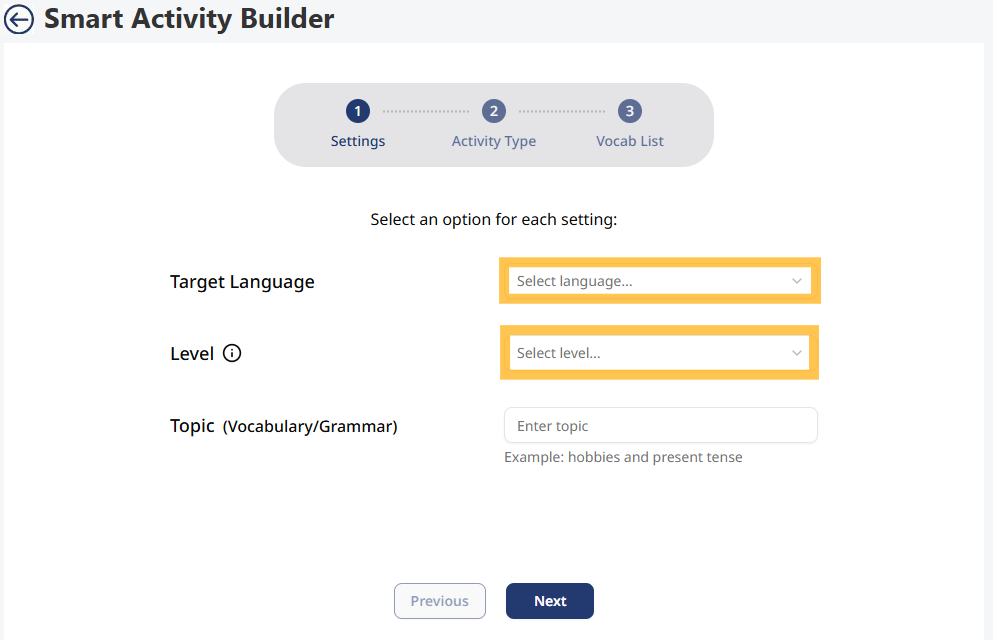
From there, teachers select the target language for the activities and the level (A1-C2).
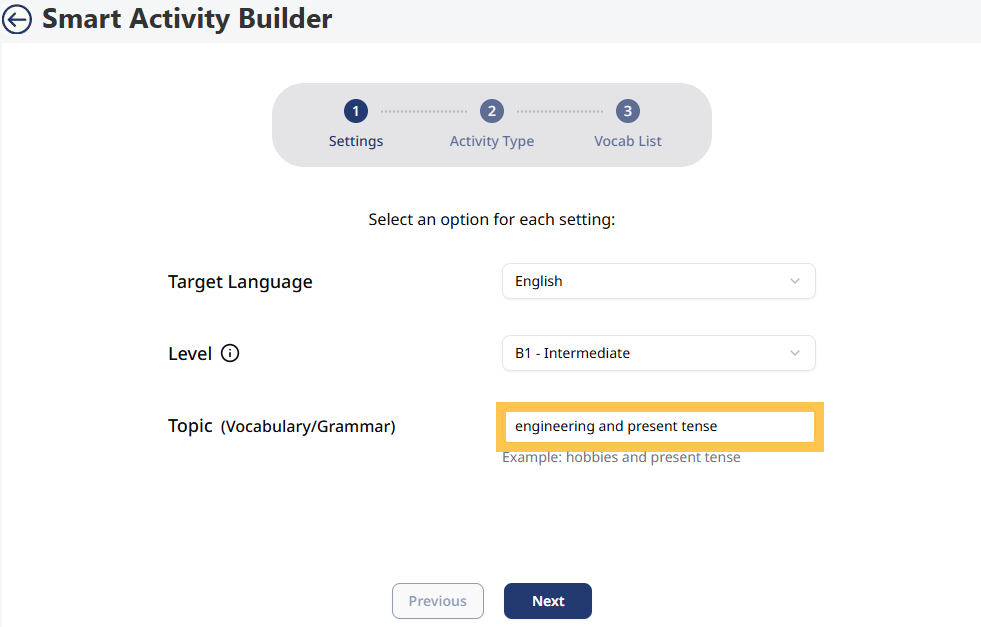
Teachers can focus the topic of activities not only on vocabulary but also on a grammar topic or a combination of both.
Once the language, level, and topic are determined, teachers have the option to select which activities they would like created from the following list: Multiple Choice, Pronunciation, Word Jumble, Sentence Jumble, and Fill-in-the-Blank.
From there, teachers have different options to include up to 20 vocabulary words, either by typing the words, importing a list from an image, or having the words generated by AI based on the language, topic, and skill level identified.
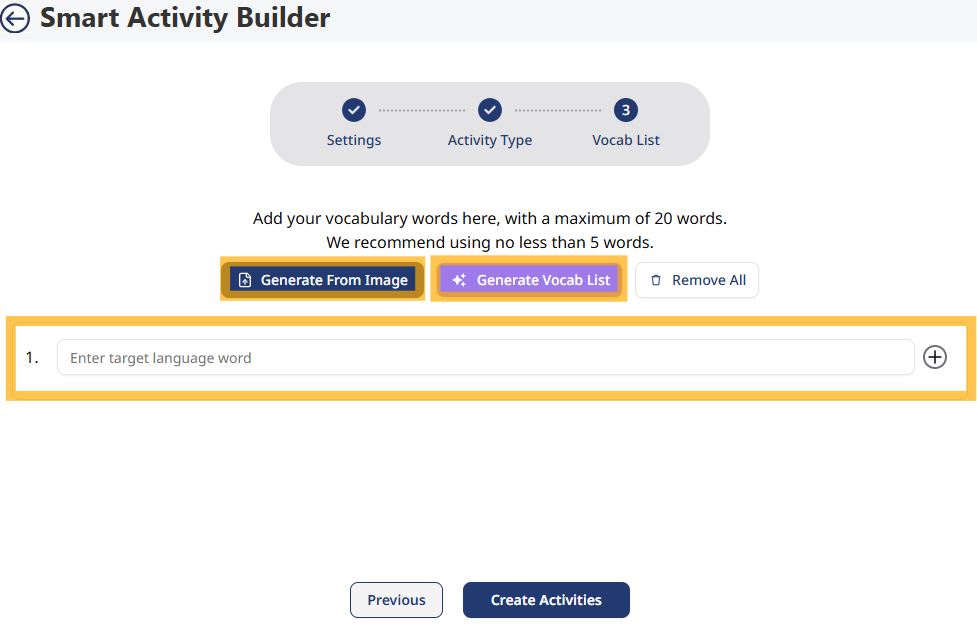
Once the vocabulary list is complete, teachers click Create Activities and activities generate and appear in the Created Activities column for teachers to edit, duplicate, or delete.
The final step is for teachers to click Organize and Assign to move the activities into a folder to assign.
Watch this video to see it in action!
Contact us if you would like more information.