 By Melissa Arndt
Date of Creation: 2026-25-03
Last Update: 2026-25-03
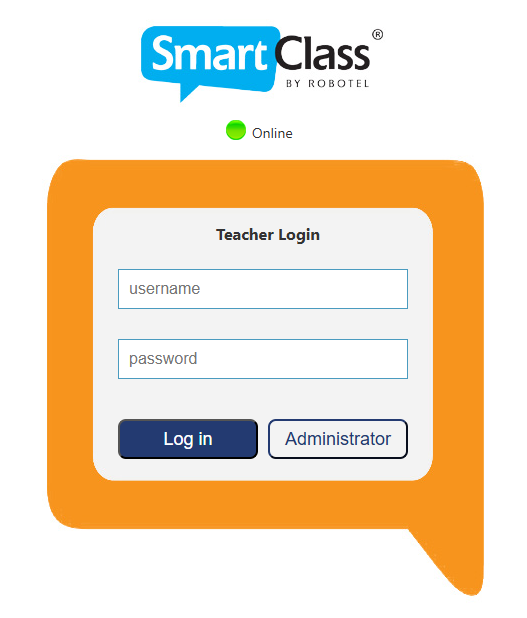
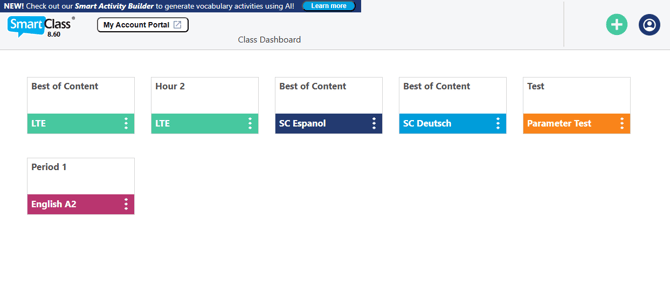
First, the Login page and Class Dashboard are going to look fresher:
Then we get into exciting features that weren’t available before:
- Smart Activity Builder
- AI Conversation activities
- AI-graded Open Recording activities in the LTE curriculum
- AI Instruction Translation for students
- Account Portal
- Usage Report
Smart Activity Builder
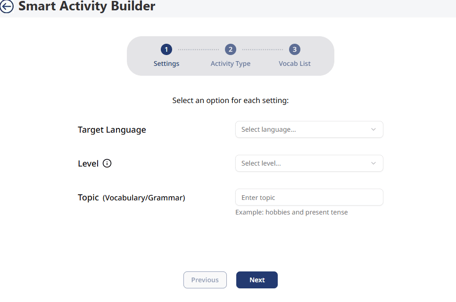
Leverage AI to generate 5 activities around your selected language, level, and topic. These activities can focus on a specific vocabulary or grammar topic or a combination of both. Teachers have the option to select Pronunciation, Multiple Choice, Fill-in-the-Blanks, Word Jumble, and/or Sentence Jumble and either add their own vocabulary list or generate a list with AI. Within minutes, activities will be created and ready to be assigned to students. Watch this video to learn more.
AI Conversation Activities
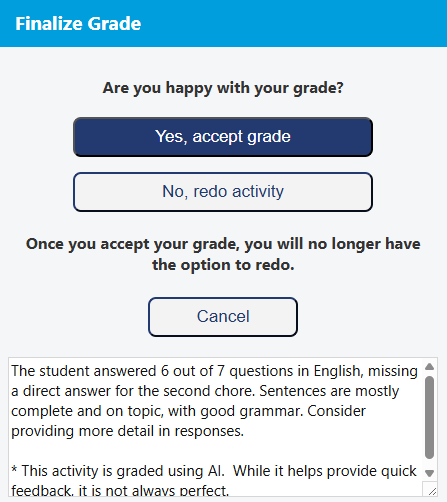
Students engage in a conversation with AI in the target language, at the designated level, around the vocab and grammar focus for each chapter of SmartClass English, German, and Spanish curricula. Teachers have the option to change the mode of the activity from Text, Text & Speech, or Speech. The AI has been educated to keep students on task and answering in complete sentences, and students receive not only a score but valuable AI-generated feedback and the option to redo the activity. This activity can now be launched during instruction in the language lab.
AI-graded Open Recording Activities
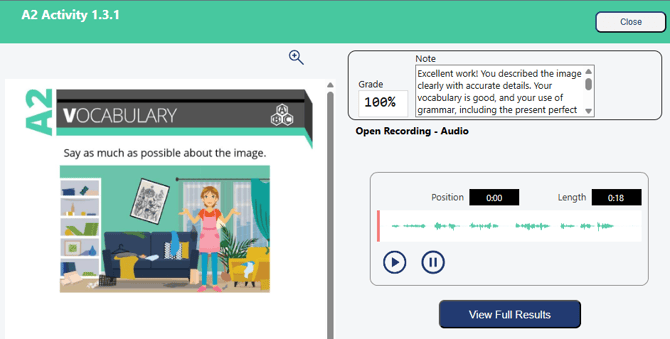
All opening recording activities in the SmartClass Let’s Talk English curriculum are analyzed and AI- graded across six key dimensions:
- Pronunciation
- Fluency
- Grammar
- Coherence
- Vocabulary
- Task Completion
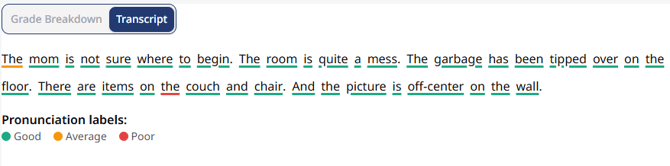
Just like with AI Conversation activities, students will receive an immediate score and feedback but will be able to further understand their results upon accepting their grade and reflecting on the grade breakdown and transcript, which is marked for pronunciation. See more about these activities in this video.
AI Instruction Translation for Students
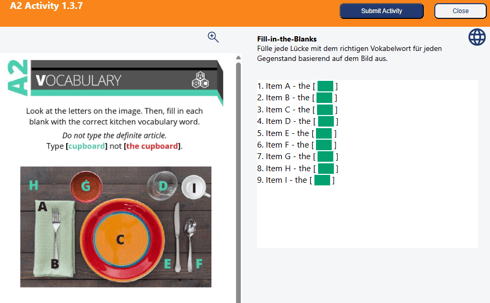
Teachers can enable students to select their native language and be provided AI-translated instructions to complete activities. This is designed to support diverse classrooms by helping students focus more on learning and less on trying to understand instructions in a non-native language. These translations can be provided not only for SmartClass activities but also for any activity that teachers create. Read more about this feature in this article.
Account Portal
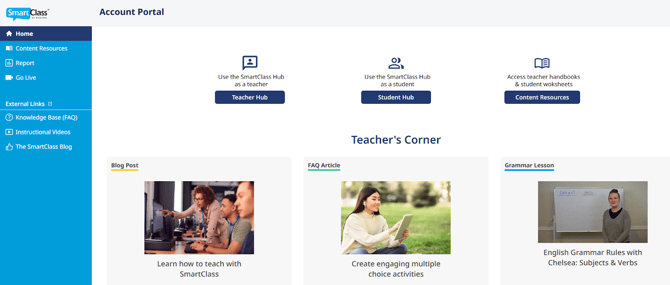
The Account Portal is the one-stop access to the SmartClass Teaching Platform and resources. Whether teachers are looking for the Teacher Handbook, printable student resources, or support from instructional videos or our knowledge base, everything can be found at the click of a button right from the teaching platform. It can also be accessed from the Login button on our website. Read more about it in this article.
Usage Report
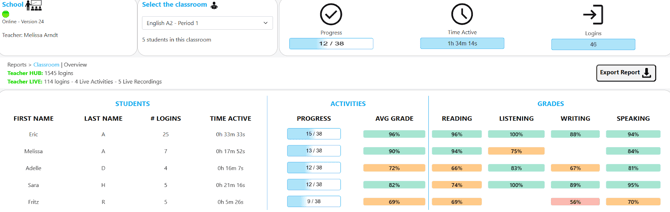
The Usage Report is an essential monitoring tool designed to provide teachers with detailed, data-driven insights into their classes' engagement, pacing, and student progress on assigned activities within the SmartClass Teaching Platform. This report helps educators track key metrics for both the entire class and individual students, enabling them to make informed decisions and tailor instruction effectively. It provides information on:
- Total number of logins
- Time active
- Activity progress
- Average grade
- Skill grades
- Activity submission date and time
- Number of redo attempts
Overall, users are going to experience benefits not only from new features but also an improved experience, including faster launching of Hub activities in the lab. All future improvements will now be instant and not require re-installment of the lab software.
Contact us if you would like more information.